
Solutions
One device in your car, and the software around it. Anvil S1 reads your car and the road; ScreenSmith and the BayForged app let you shape what it shows and look back on every drive.
Anvil S1
Your driving sidekick
 Concept render
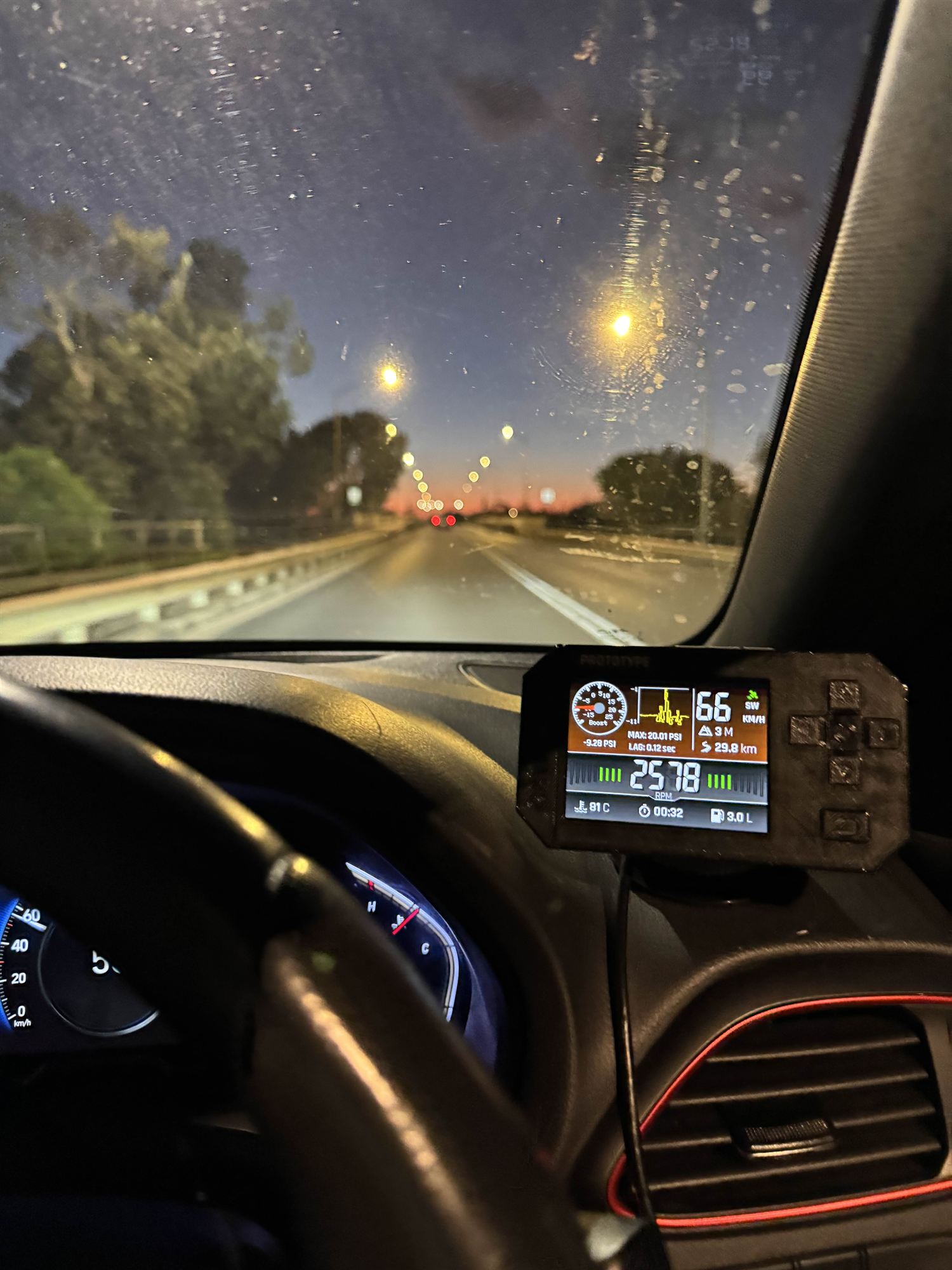
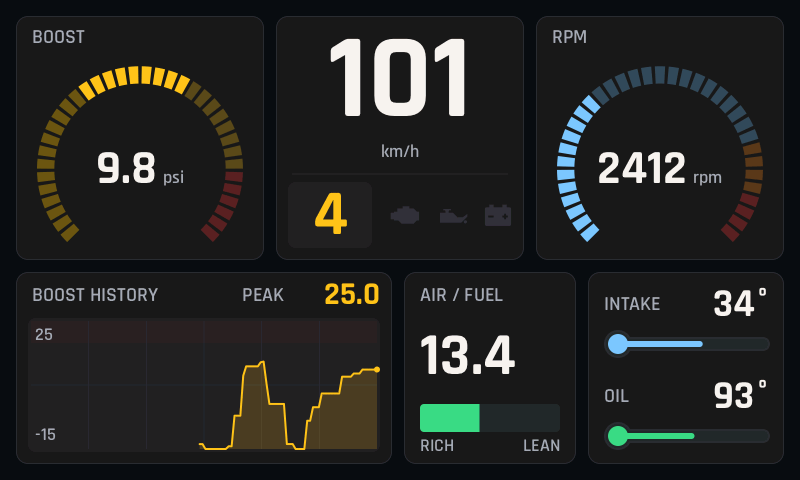
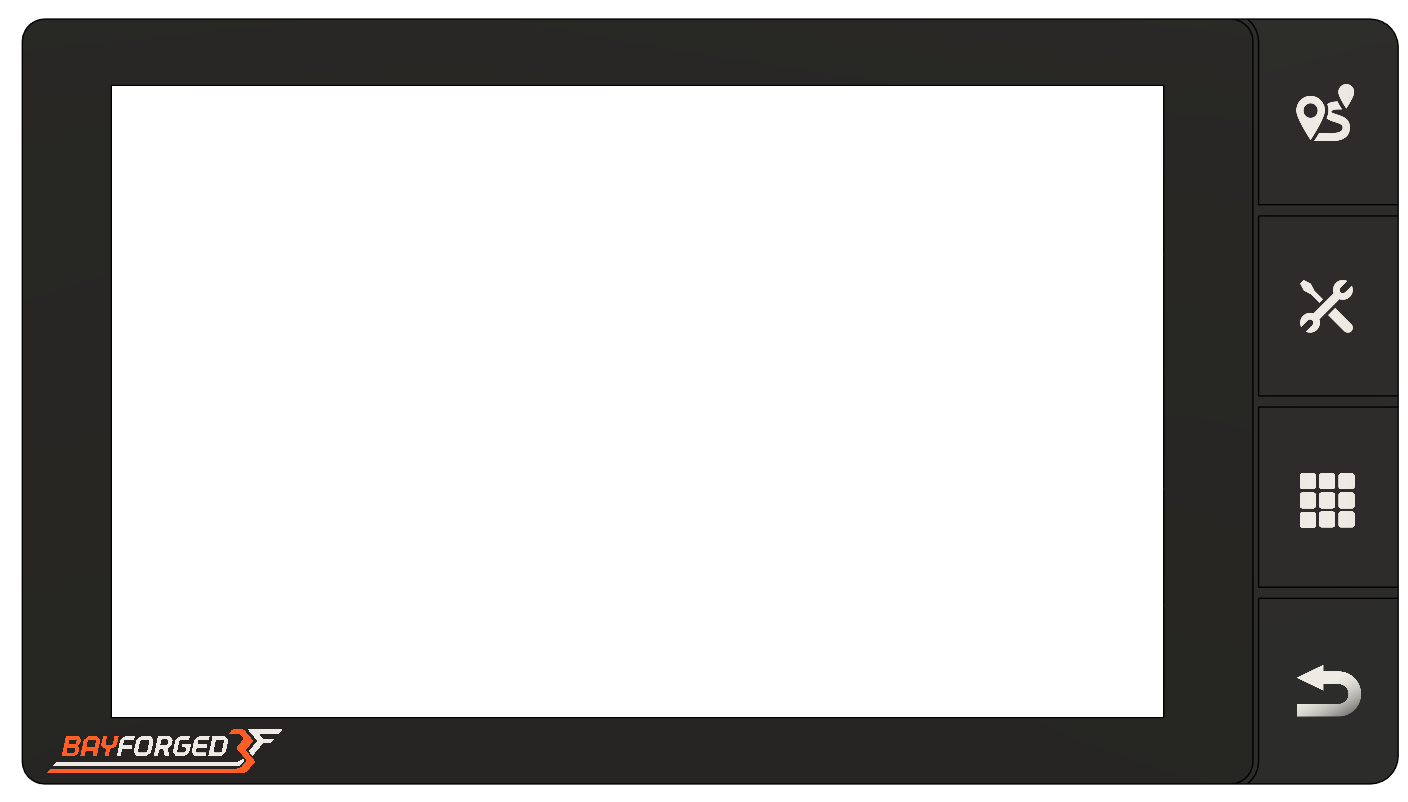
Anvil S1 plugs into your car's OBD2 port and shows live engine data, GPS and motion on a slim widescreen display, running dashboards you design yourself.
Early development
Anvil S1 is in the early stages of development. The features on this page are the ones we're exploring now, and the final feature set is still being decided.
What drivers told us
From the BayForged driver survey, October 2026
- 54%Live data
- 46%Fault codes
- 46%Fuel use
- 42%Service
- Would use it 27%
- It depends 15%
- Impartial 31%
- Against it 27%
Anvil S1 planned features
The features we're exploring for Anvil S1, built around safer driving and looking after your car: dashboards you design, fault codes and maintenance, maps, curve and fatigue warnings, trips and running costs, track days, add-ons and the AI mechanic in the BayForged app. The final feature set is still being decided.
Dashboards
Live data displays you build yourself from modular gauges, readouts and lamps. Design them in ScreenSmith on the website or the mobile app, or on the device itself. Publish yours for other drivers, and download theirs.
Designed for almost any vehicle
Many cars, especially older ones, don't have an OBD2 port. Anvil S1 is being designed to work with a wide range of diagnostic interfaces, aftermarket ECUs and custom sensors through protocol adapters.
Diagnostic information
Read and clear OBD2 fault codes, with a plain explanation of what each one means.
Service and maintenance
Log your services and get maintenance reminders, with wear and tear estimated from how you drive.
Maps and exploration
Offline maps of main roads, racetracks and popular 4WD tracks, with landmarks and lookouts, plus an inclinometer and compass for the trail. Earn profile badges and deals as you explore.
Curve safety warnings
Warnings for sharp curves ahead, worked out from the shape of the road, so a tight bend on an unfamiliar road doesn't catch you out.
Trips and logbook
Record commutes, road trips and everything in between. Add your own places of interest, and visits and trips between them are logged automatically.
Fuel and running costs
Track fill-ups and fuel economy, and see what each trip, and each month, costs to run.
Track days
Lap timer, acceleration and brake tests, and in-depth lap data to go over afterwards. For use on a closed circuit.
Part of a community
Share meetups, drives, routes and landmarks with friends, join group drives and share data between drivers. Get real after-sales support through the BayForged app.
Smart fatigue reminders
Break reminders shaped by your recent driving, so they come when you need one.
Eyes on the road
Tactile buttons, touch and quick menus, designed together to keep distraction as low as we can. Settings lock while the car is moving.
Add-ons and expansion
Connect wired or wireless sensors, extra displays and more, or build your own with the open-source add-on interface.
Your data, your control
What the device records leaves it only when you choose, with optional password protection on the device.
AI mechanic
Talk to an AI that knows your car and how you drive, in the BayForged mobile app. Its answers come from your car's own recorded data.
BayForged refuses to sell "AI slop".
Firmware updates
Free, continuous updates with fixes and the new features drivers ask for.
How it connects
Anvil S1 is being designed to fit your car, whatever it has to offer. It reads your car the way that suits it best, and syncs with the BayForged app over Wi-Fi.
- OBD2 port
- Plug straight into the diagnostic port under the dash.
- Other diagnostic interfaces
- Protocol adapters for older cars and less common connectors.
- Aftermarket ECUs
- Read live data from an aftermarket engine computer.
- Sensors and add-ons
- Wired or wireless sensors, extra displays and add-ons of your own.
- Built in
- Its own GPS and motion sensors, in every car.
We will publish which cars it has been tested with before launch.
An animation of everything Anvil S1 connects to: the engine ECU and OBD2 port, aftermarket sensors, GPS and motion, gauges and add-ons, and the BayForged app, where trips, dashboards and the AI mechanic live.
ScreenSmith
Design your own dashboards
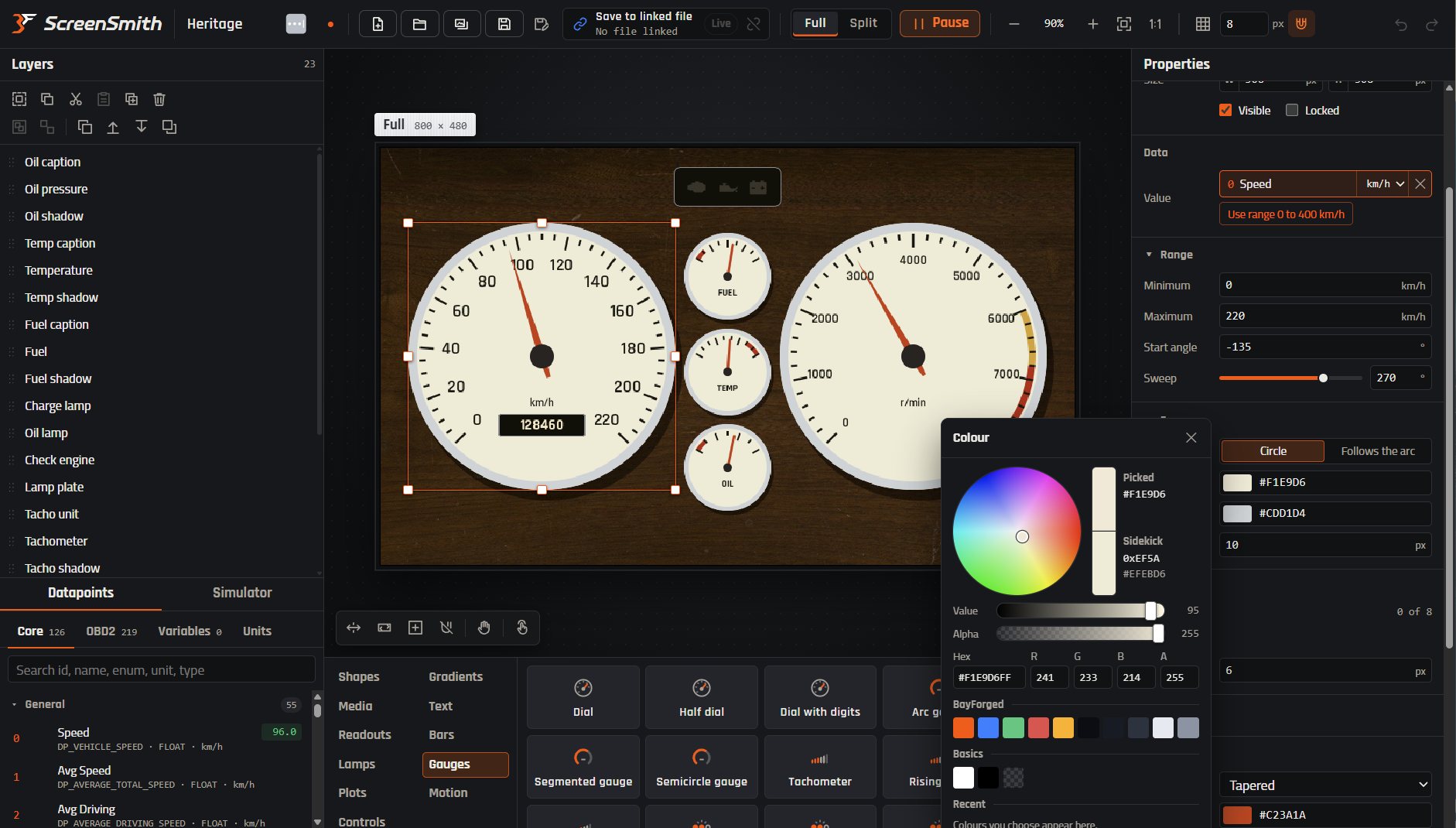
ScreenSmith is our dashboard editor. Build a layout from gauges, readouts and warning lamps, connect each one to a reading from your car, and style it down to the colour of the needle.
The simulator runs your dashboard on test values or a recorded drive, so you can check every needle before you drive.
The BayForged app
Anvil S1 syncs with the app over Wi-Fi. The smarter features live here, on your phone and the web, so the screen in your car stays simple.
- Trips
- Every drive, with its route, times and stops, to look back on.
- Dashboards
- Keep the dashboards you design in ScreenSmith, and share them with other drivers.
- AI mechanic
- Your car's own data, explained in plain English when something goes wrong.
A concept animation of the AI mechanic: a driver asks the BayForged app whether a rising temperature gauge is a worry. The app asks the device for the car's recorded data, compares weeks of drives and answers in plain English, with a chart of the trend.
EmberX
Our own firmware, always improving
EmberX is the custom firmware that runs Anvil S1, developed in-house by the BayForged team.
It is updated constantly, based on what drivers tell us: fixes and new features arrive as updates, installed from the Device menu.
Where Anvil S1 is up to
Anvil S1 is in early development, after three prototypes and a pilot program with five drivers. Read how it started, or ask us anything.